Screensaver & photo frame
PhotoDreamService / PhotoFrameController — a photo frame with stock-style
clock/battery/date/weather widgets that doubles as the Portal's screensaver.
Swipe to change photos, tap to exit.
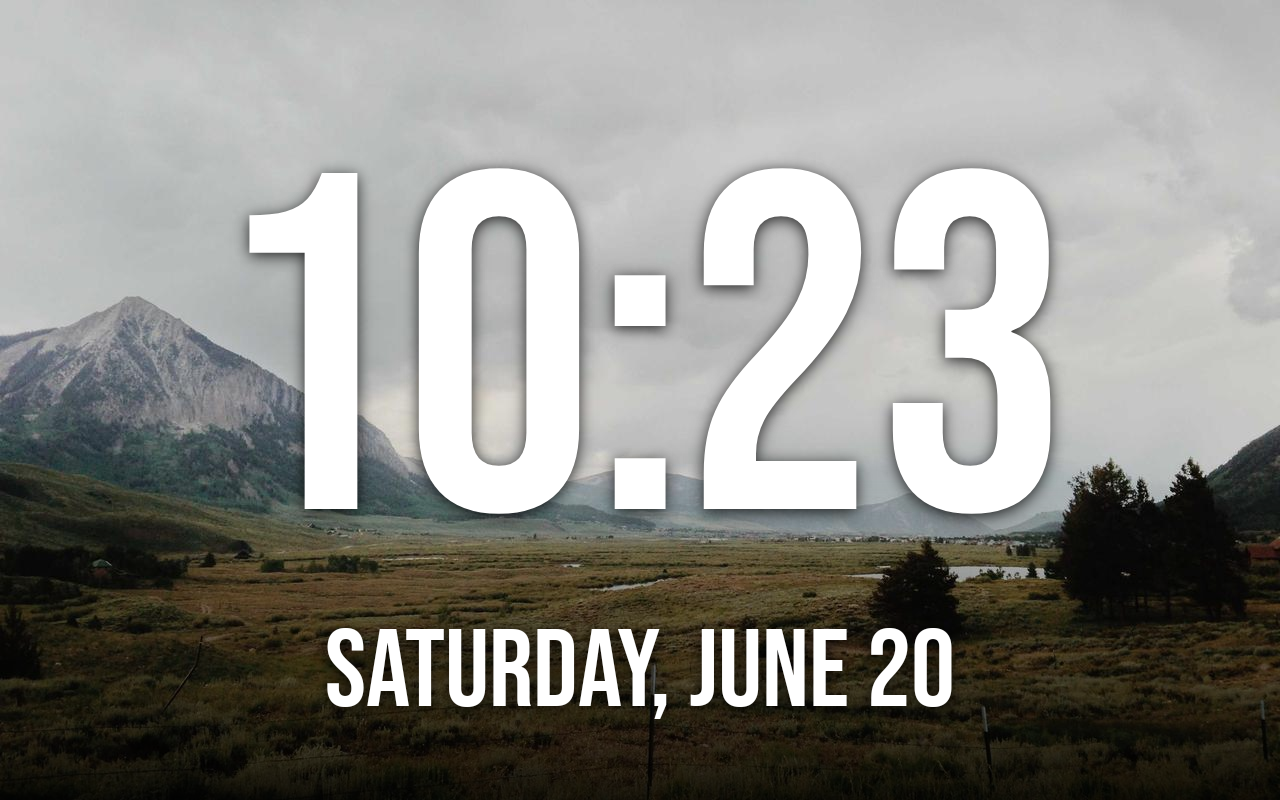
Clock faces
Choose a screensaver clock face from a face picker (FacePickerActivity): flip clock,
big, bold, or minimal, each with size options.
Digital-clock screensaver
DigitalClockConfig / DigitalClockDreamService — an alternative screensaver that shows a large,
customisable clock instead of the photo frame. Turn it on from the Clock settings screen
(ClockSettingsActivity) and Immortal swaps the active screensaver to it automatically; a
non-drag tap exits.
- Style — classic, flip, bold, neon, seven-segment, or analog.
- Colour, font, size, position, background, and glow — all pickable, with a live preview. Show the date and/or seconds as you like.
- Anti-burn-in slowly drifts the clock so a static display doesn't mark the panel.
With this off, the screensaver is the photo frame below; with it on, it's the clock. Everything else on this page (overnight behaviour, presence, welcome overlay) applies to whichever is showing.
Photo sources
Point the frame at whatever you like — most sources can be set up from your phone (pair the phone remote via its QR code, then use its Set up photo source & calendar panel), so you don't type URLs and credentials on the Portal:
| Source | Notes |
|---|---|
| Your own folder | Photos and videos from the device's own storage. EXIF rotation is honoured. |
| iCloud shared album | Paste a shared-album link (supports Apple's newer CloudKit link format). |
| Google Photos | Paste a public shared-album link. |
| Synology Photos | Paste a public album share link. For a local HTTPS address, the NAS certificate must be trusted by the Portal. |
| Immich | A self-hosted photo library. Photos and videos (with "Play videos" on), from an album or the whole library. |
| Network share (SMB) | A file server on your LAN. |
| WebDAV | Any WebDAV server. |
| Web page | Pull images from any web page. |
| Built-in feed | Keyless. Pick between Lorem Picsum (stock photography), the Met Museum and Art Institute of Chicago collections, Wikimedia featured landscapes, or NASA's Astronomy Picture of the Day. Unsplash-ready with a key. |
Presence-aware behaviour
The screensaver cooperates with the Portal's camera-based presence detection so it can run as a permanent frame while someone's around (and on mains power). On the battery-powered Portal Go, an optional "sleep when nobody's around" setting saves power.
Immortal can't read Meta's presence signal directly (see Hardware limitations), so it infers presence from the system's own dream/sleep lifecycle. The design notes go deep on this: Multi-room audio → Presence.
Overnight night clock
During an overnight window the screensaver can show a dimmed clock instead of going fully dark — and a deliberate tap inside the window wakes the device for normal use, returning to sleep a short while after you stop interacting.
Welcome-back overlay
When the screensaver starts, Immortal can show a brief welcome-back overlay
(WelcomeConfig) — a time-of-day greeting ("Good morning", optionally with your name), the clock,
and the date, optionally spoken aloud. It auto-dismisses after a few seconds. Turn it on with the
Welcome screen toggle in the screensaver's Display settings, and tune the greeting, name, and
timing on the Welcome settings screen (WelcomeSettingsActivity).
Ambient almanac & calendar packs
The photo frame's dashboard can carry an ambient almanac line — a quiet daily fact fed by
installable, keyless, on-device calendar packs plus a quote of the day (CalendarPacks,
rendered by PhotoFrameController). Switch packs on per household under More features → Almanac
on the Settings screen (all off by default):
| Pack | Adds |
|---|---|
| Romanian name-days & Orthodox feasts | Today's Orthodox feast and the name-days for the day. |
| Irish holidays | Bank holidays and saints' days (St Patrick's, St Brigid's…). |
| Prayer times | The next daily Islamic prayer time for your location. |
Each pack contributes a line only when it has something for the day, and everything is computed on-device — no keys, no accounts.